
MBPRO
Quick answers so you never get stuck

Four sections, four different things. In a minute, you'll know which one is yours.
The scene's calendar. Post your event or class and it shows up on the world map, in the language of whoever's looking at it. Any dance style.
For you if you run classes or events, or you're looking for somewhere to dance
Your tournament from start to finish: TOP 8 and TOP 16 brackets, projected on the big screen, and an AI breakdown when it's over.
For you if you run battles and need the bracket on screen
Your scene's wall. Post, comment, and see who's dancing near you. If someone writes in another language, you read it in yours.
For you if you just dance and want to find your people
A whole season, not just one night. Several dates, standings that move after each one, and your placement tied to your profile.
For you if you run a circuit across several dates
From zero to champion in 6 steps: TOP 8 or TOP 16 brackets, live projector and picking winners with one tap.
See the tutorial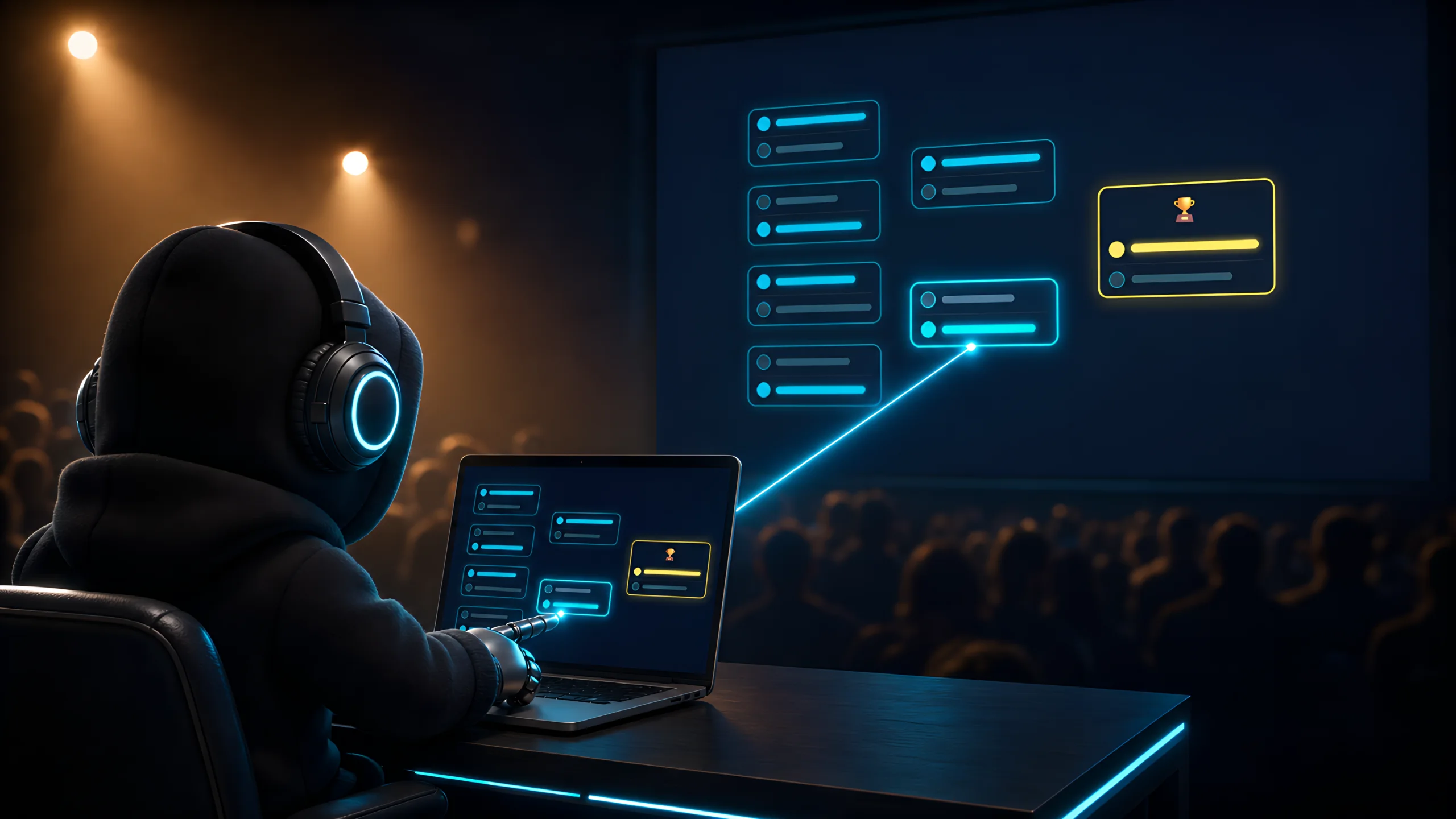
Upload your flyer and AI fills in the details: your class, battle or jam on the world map, for free.
View the tutorial
Name and category
Participants and criteria
Start the battles
Your device controls, the projector shows the audience.
Control battles, select winners
The audience sees brackets and battles
Syncs automatically via Firebase in real time
Creating tournaments in ORGANIZA has no limit. If the warning appears when publishing to the DESCUBRE calendar, you've reached your plan's publishing quota — upgrade your plan to publish more.
Check that both devices are connected to the internet. Reload the projector page.
Make sure you signed in with the same account you used to create the events.
Our team is ready to help you
contact (at) managerbattlepro.com